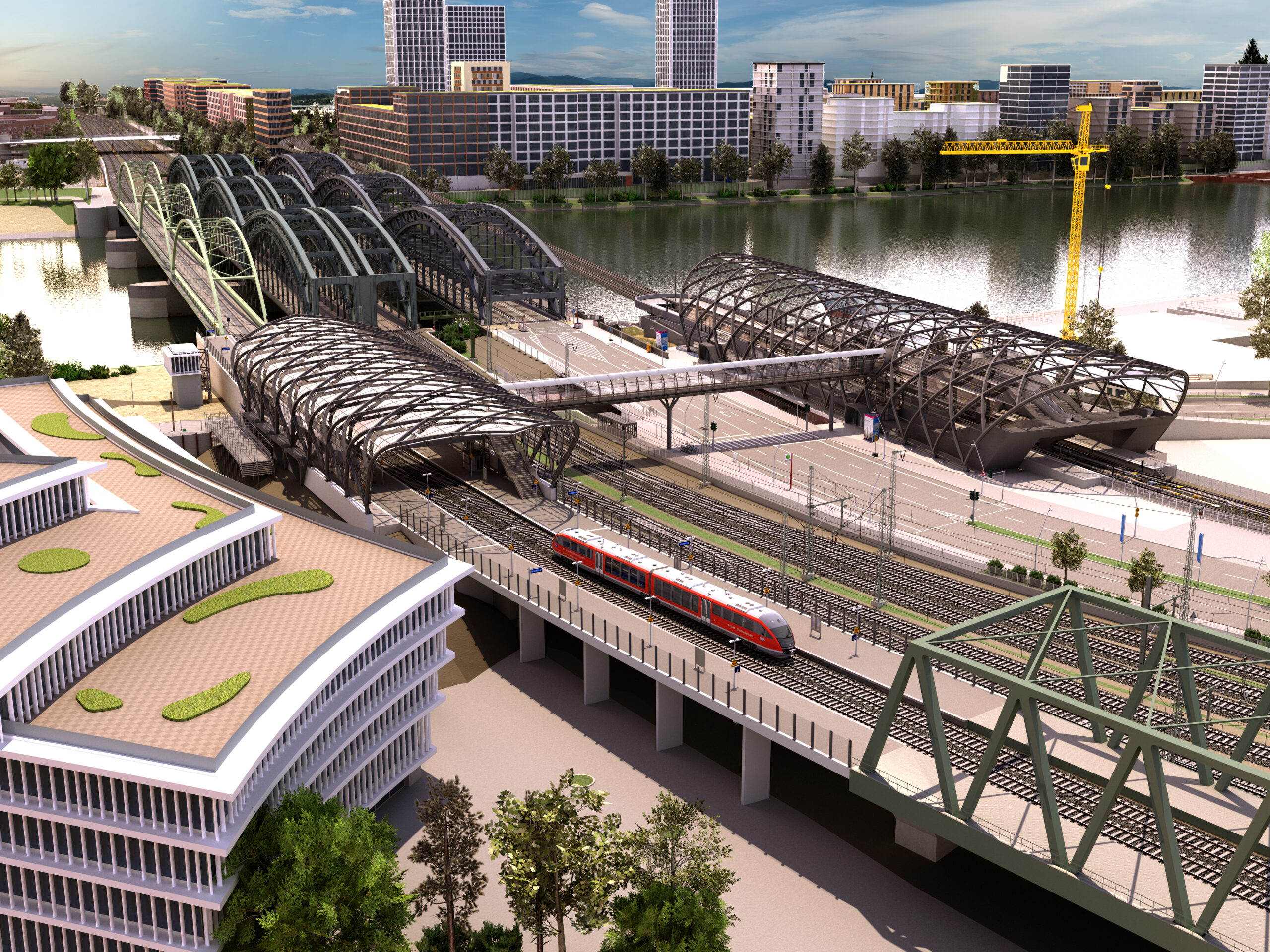
Interactive Real-Time 3D-Visualizations & Virtual Training

Gamification meets Engineering. We build Unity-based applications that train your workforce, engage stakeholders, and make complex planning intuitively accessible – on web, mobile, and in VR.

DISCUSS USE CASE  TRY YOURSELF

Why interactive 3D visualization?

Complex Information - Made Easy to Understand

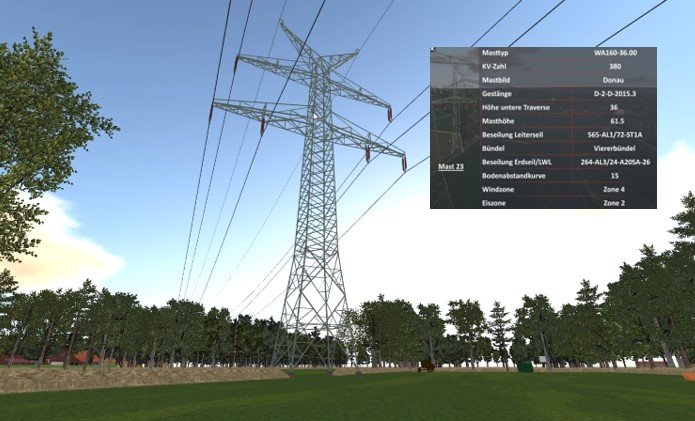
Interactive 3D visualizations make complex facilities, assets, and infrastructure instantly understandable.
Information that is difficult to interpret in plans, documents, or spreadsheets becomes intuitive and accessible in an interactive model – ideal for operations, safety, training, planning, and communication.
Visualizations are built using our own 3D models or your existing CAD, BIM, or reality-capture data.

From Static Plans to Operational Simulators

Virtual Training & Onboarding

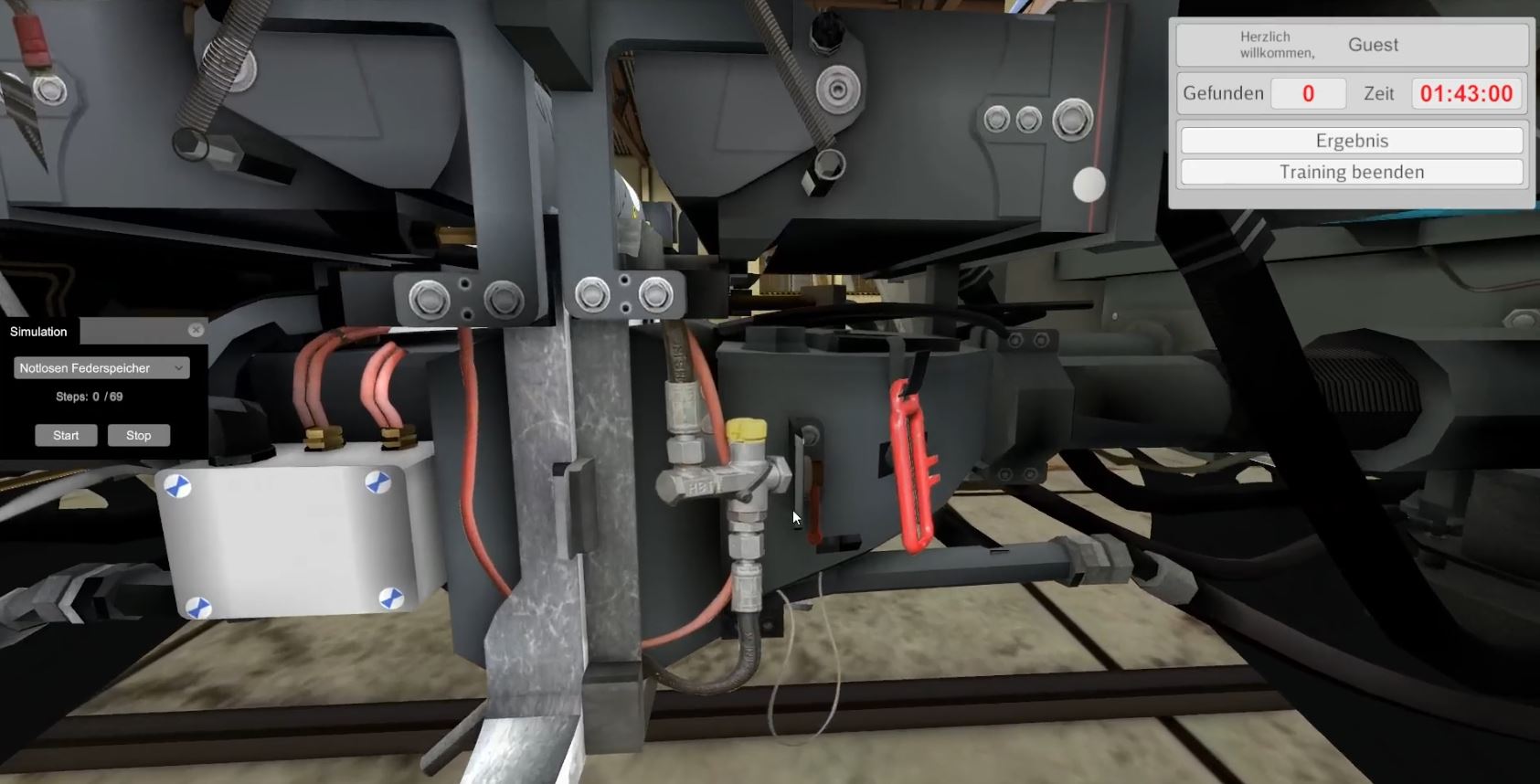
Learn by doing. Interactive training environments where employees can practice maintenance procedures or HSE safety routines risk-free on virtual assets.

Stakeholder & Public Engagement

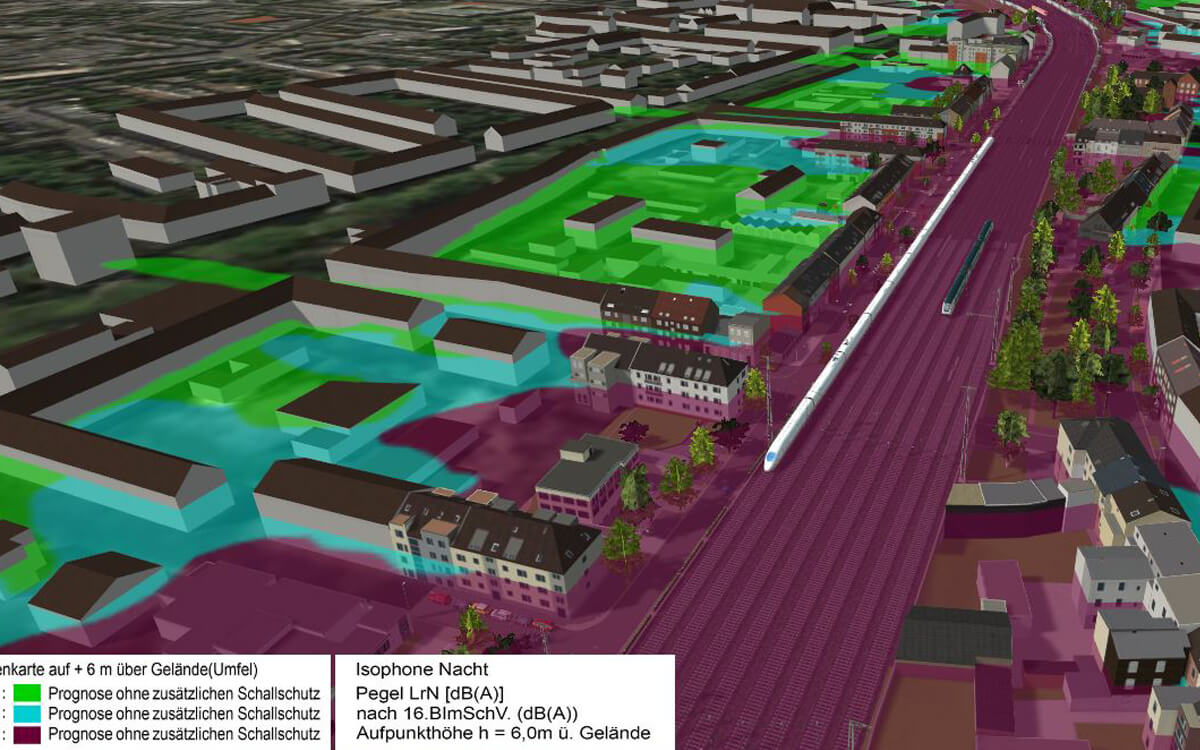
Acceptance through transparency. Navigable 3D models allow local residents and investors to experience infrastructure changes realistically before construction begins.

Simulation & Scenario Planning

What-if analysis. Simulate crowd flows, evacuation routes, or construction site logistics in real-time to identify planning flaws early.

Multi-User Collaboration

Together in virtual space. Location-independent meetings directly inside the 3D model – including avatar systems and voice chat for efficient design reviews.

Cross-Platform (Web, VR, AR)

Develop once, deploy anywhere. Our applications run smoothly in web browsers (WebGL), on mobile tablets, or in VR headsets for maximum immersion.

Configurators & Variants

Real-time decision support. Switch between different design variants, materials, or refurbishment phases at the push of a button.

From Concept to Application in 5 Steps

Step 1 – Create or Import the 3D Model

We use our own models or process existing CAD, BIM, point-cloud data or even 2D-plans as PDF.

Step 2 – Optimize for Real-Time & Browser Use

Models are prepared for real-time performance across TwinViewer, TwinPlayer, VR/AR, and simulation environments.

Step 3 – Define Scenarios & Interactions

Walkthroughs, toggles, layers, variants, highlights, and custom interactions.

Step 4 – Integrate Into Presentations & Applications

Easily embed into cloud platforms, websites, training environments, or custom applications.

Step 5 – Delivery & Deployment

Receive a ready-to-use visualization – with online or offline deployment options.

What are interactive 3D visualizations used for?

Communication & Public Engagement

Communicate complex projects transparently. Navigable 3D models make large-scale infrastructure understandable for non-experts, building trust and public acceptance long before breaking ground. Take the 3D models as base for movies or renderings to showcase them on your website.

Simulators

Whether we implement the logic ourselves or create a connection to an existing system, it allows you to practice risk-free.

Feasibility Studies

Data-driven decision making. Test spatial, logistical, and functional challenges early in the virtual environment to mitigate planning risks and significantly reduce downstream construction costs.

Design Optimization

Iterative planning in real-time. Toggle between different architectural drafts, route alignments, or material choices at the push of a button to collaboratively identify the best possible solution.

Want to make your project fully interactive?

We support you with visualization, training, simulation, and presentation workflows. Book yourself a Demo with our experts or configure your project to get a proposal.

FAQs

We can build visualizations from our own 3D models or from your existing CAD, BIM, or point-cloud data.
Even simple plans, images, or documentation are enough for many use cases.

Yes. Most visualizations run smoothly in the TwinViewer in any modern browser—no installation required.

Absolutely. Visualizations can be deployed in VR/AR environments for immersive training or simulation.

Users can navigate freely, switch layers, trigger animations, compare variants, and interact with elements depending on your scenario requirements.

Timelines vary depending on model complexity and scenarios, but many projects can be delivered within a few weeks.